I’ve opened accounts on Fidelity, Schwab, and ETRADE, and tested a few of the newer app-based platforms, too. Each one has its perks and quirks. The good news is that opening a stock trading account is genuinely easier than most people expect, and this walkthrough will get you through it without the confusion.
Types of Stock Trading Accounts: Picking What Fits You
Before getting started, it helps to know the main types of accounts available. Here are some of the basic options:
- Individual Brokerage Account: This is the most common account type for everyday investing. You’re free to buy and sell whenever you want, and you’ll only pay taxes on gains or dividends as you earn them.
- Retirement Accounts (IRA, Roth IRA): These add some tax benefits and penalties, and are mostly for long-term saving rather than short-term trading.
- Joint Accounts: For two or more people (like spouses), where both can contribute and withdraw funds.
- Custodial Accounts: Set up by an adult for a minor, making it easy to help kids or teens invest early.
Most beginners overthink this choice. Start with an individual brokerage account — you can always open a Roth IRA later once you’ve got your footing.
What You’ll Need Before You Open an Account
Once you’ve picked the type of account you want, you’ll need a few basic things handy:
- Personal identification: A Social Security number or tax I.D. number.
- A valid email address and phone number: text verification makes things easy.
- Bank account information: For transferring funds to and from your trading account.
- Basic employment and income details: This helps the broker follow regulations and report your trades for tax reasons.
Don’t stress if you don’t have every detail right away. Most accounts let you add missing info later or update it as needed.
Top Platforms for Opening a Stock Trading Account
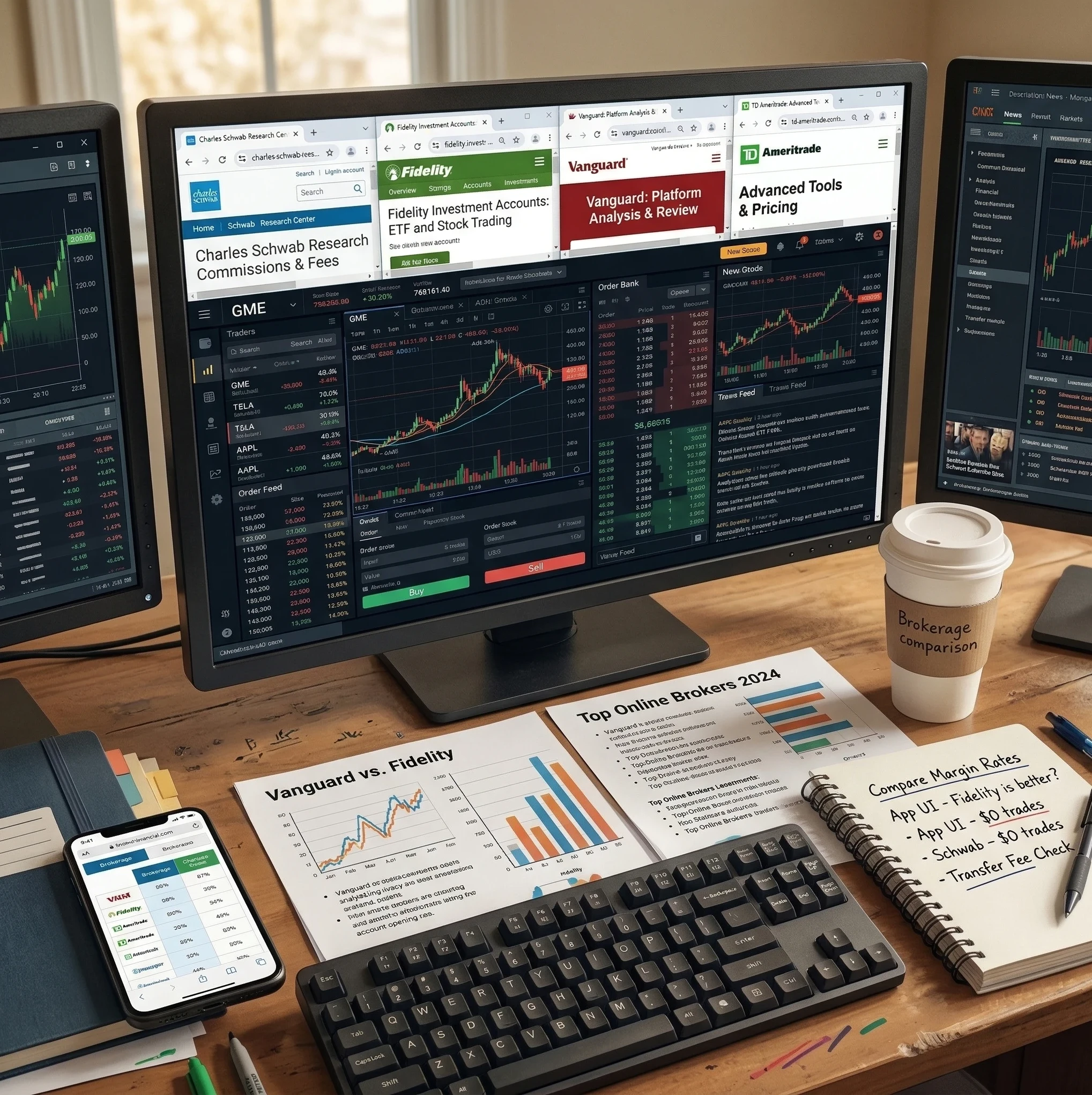
I’ve personally used Fidelity, Schwab, and E*TRADE, three of the oldschool, reliable brokerages. They each have user-friendly apps and web portals, plenty of super detailed research tools, and customer service you can actually call or do an online chat if you ever get stuck.
- Fidelity: Really great for both beginners and long-term investors. Their app is relatively easy to use, and you can get right into trading stocks, ETFs, and options. They don’t charge commission fees on most online trades and have robust research tools.
- Schwab: Known for its $0 commission structure, strong research library, and broad selection of investment products. The account setup is straightforward: a bit of reading, a few forms, and you’re basically in. Their app is the easiest one for me to use in terms of initiating trades.
- E*TRADE: Their dashboard makes researching and trading pretty painless, and you can open an account within minutes online. Cool features include a customizable watchlist and quick trade executions. Some people like the E-Trade Pro platform for trading, although I haven’t used it.
Besides these legacy options, plenty of newer, app-based services like Robinhood, Webull, and SoFi Invest have popped up. These can be even quicker to set up, and often appeal to people who want a simpler, more social investing experience. The signup process usually takes just a few minutes.
If this is your first investment account, I would start with one of the big 3 legacy brokerages.
Step-by-Step Guide to Opening a Stock Trading Account
Getting from “I want to invest” to having an active account is easier than you might think. Here’s the process I follow every time I open one for myself or help a friend walk through it:
- Pick Your Platform: Choose a brokerage that fits your investing style and comfort level. Check for fees, types of investments, and educational support.
- Visit Their Website or Download the App: You can open accounts online or via mobile.
- Start the Signup Process: Click “Open Account” or “Get Started.” Fill out the required forms; this usually includes your name, address, Social Security number, and financial info.
- Answer Investor Profile Questions: These are pretty standard. Brokers are required to ask things like your income, net worth, and experience with trading to protect everyone involved.
- Verify Your Identity: You may need to upload a photo of your driver’s license or other I.D. This step is required by law to help prevent fraud.
- Link Your Bank Account: Enter your routing and account number to connect your bank to your brokerage. Most offer instant bank verification; some might do test deposits that take a day or two.
- Review Terms, Authorize, and Submit: Check the agreements and disclosures. These will tell you about fees, risks, and privacy policies. After you accept, your application will be processed. This can be instant or take up to a few days.
- Wait for Account Approval: Approval often takes less than a day for most online brokers. Some traditional ones could take one to three days.
- Make Your First Deposit: Once you’re approved, transfer funds to start investing. Some platforms let you begin trading before your deposit fully clears.
The entire process is secure and usually pretty fast. I’ve set up accounts in under 20 minutes since I know the process and what information is needed.
Things to Know Before Funding Your Account
Before you put your hard-earned cash in, make sure you understand the fees, minimum deposits, and how order execution works. Most modern brokers don’t have account minimums, but a few still do. Also, double-check the fees for trading. Many are now $0 for US stocks and ETFs, but options, mutual funds, or international stocks sometimes come with extra fees. If you trade options every day, this can literally add up to hundreds or even thousands of dollars per year!
Watch out for service fees, inactivity charges, or transfer-out fees as well. These aren’t always obvious until you check in a little deeper.
Understanding Order Types and Fees
Once your account is ready, it helps to get familiar with key order types:
- Market Order: Buys or sells a stock right away at the current price.
- Limit Order: Buys or sells only at your chosen price or better.
- Stop Order: Executes after a price hits a certain level, often used for protecting against losses.
You’ll see all these right in the trading app or platform, often with simple explanations and tutorials to guide you. Playing around in demo or paper trading mode (if offered) is a low-risk way to get comfortable.
Common Pitfalls and How to Avoid Them
- Not Reading the Fine Print: Always look over agreements and terms, especially around margin accounts or options trading. Both involve more risk than standard stock trading — more than the fine print will make obvious. I’d suggest getting comfortable with how they work before you check that box.
- Ignoring Tax Implications: Remember, you’ll pay taxes on gains and sometimes dividends. Many brokers offer free tax documents, but get familiar with the basics ahead of time.
- Trading Without a Plan: It’s tempting to buy hot stocks right away. Research, make a plan, and start with small amounts until you’re comfortable.
- Confusing Practice Accounts with Real Money: If you’re using paper trading or demo accounts, don’t assume that your results will carry over when real money is on the line.
Avoiding these simple missteps can save you stress and money later on.
FAQs: What New Investors Ask About Opening an Account
Here are some popular questions people tend to have about getting started:
Question: Do I need a lot of money to start?
Answer: You can open an account with as little as a few dollars on many platforms. Fractional share investing lets you buy pieces of a stock or ETF with whatever you’re comfortable with.
Question: Is it possible to have multiple trading accounts?
Answer: Yes, absolutely. I keep a few myself for different goals; one for long-term investing, another to test out new features. Just keep track of where your money is for tax purposes.
Question: How do I transfer my account later?
Answer: If you ever want to move your account to a new broker, it’s usually just a matter of filling out a transfer form (called an ACATS transfer). Watch for potential transfer-out fees, though.
Question: Will my money be safe?
Answer: As long as your broker is SIPC-insured, your cash and securities are protected in case the brokerage fails. This doesn’t protect you from investment losses, but your funds are safe from broker insolvency. SIPC coverage protects up to $500,000 of your securities and cash if your brokerage goes under — it’s the investing equivalent of FDIC insurance on a bank account.
Question: How fast can I access my money?
Answer: After selling investments, it usually takes two business days for trades to “settle” before you can withdraw the cash. Some newer platforms offer instant access to a portion of your sale proceeds.
Advanced Features You’ll Come Across
After you’ve got some experience, you might be interested in the extra features your platform offers:
- Options Trading: Lets you take on more advanced strategies. Most brokers require a separate application for this.
- Margin Accounts: Borrow money to trade larger amounts, which comes with higher risk. Best for experienced investors.
- Automated Investing (RoboAdvisors): Automated portfolios can help you stay diversified and disciplined without hands-on management.
- Advanced Screeners and Research Tools: Larger brokers like Fidelity and Schwab provide powerful screeners for tracking investments and analyzing potential trades. I like to use Trading View’s scanner, and Finviz has good scanners if you set them up for yourself.
Trying out these features can help you grow as an investor, but pace yourself. It takes time to learn what really fits your goals.
Key Takeaways for Opening Your Trading Account
- It’s easier than ever to start. Most platforms allow a quick, paperless setup from a phone or laptop.
- Don’t rush. Take time to dig into resources, avoid sudden trades, and build confidence day by day.
- Choose one platform to start trading and investing with; you can try another one later to start comparing them.
That covers everything you need to open your first stock trading account. Whether you go with a legacy powerhouse like Fidelity or want to try a newer app, the hardest part is just deciding to start. Pick one, open the account, and figure out the rest as you go.